


Tiekėjų sutartys anksčiau gulėdavo mano el. pašte po kelias dienas, nes šalia neturėdavau spausdintuvo. Dabar jas pasirašau planšetėje renginio vietoje ir galiu imtis kitų darbų. Mano asistentė labai patenkinta.
Whatever the task, there’s a tool for it
50+ ways to work on your PDF. Find the tool you need and get started without installing anything.
Convert files
PDF to WordTurn any PDF into a Word doc you can edit line by line.
PDF to JPGTurn your PDF pages into a set of JPG images.
PDF to ExcelGet your PDF data into Excel cells you can work with.
PDF to PPTRebuild a PDF as a slide deck you’re ready to present.
Word to PDFTurn the doc you’re done editing into a PDF anyone can open.
JPG to PDFCombine your JPGs into one PDF, in the order you choose.
Excel to PDFTurn your sheet into a PDF that keeps every number in place.
PPT to PDFSave your slides as one PDF that opens on any device.
Optimize & organize
Edit & sign
Jūsų PDF paryškintas 3 žingsniais
Pasirinkite spalvą ir paryškinkite reikiamą tekstą.
 1
Įkelkite
Pasirinkite PDF, kurį norite paryškinti.
 2
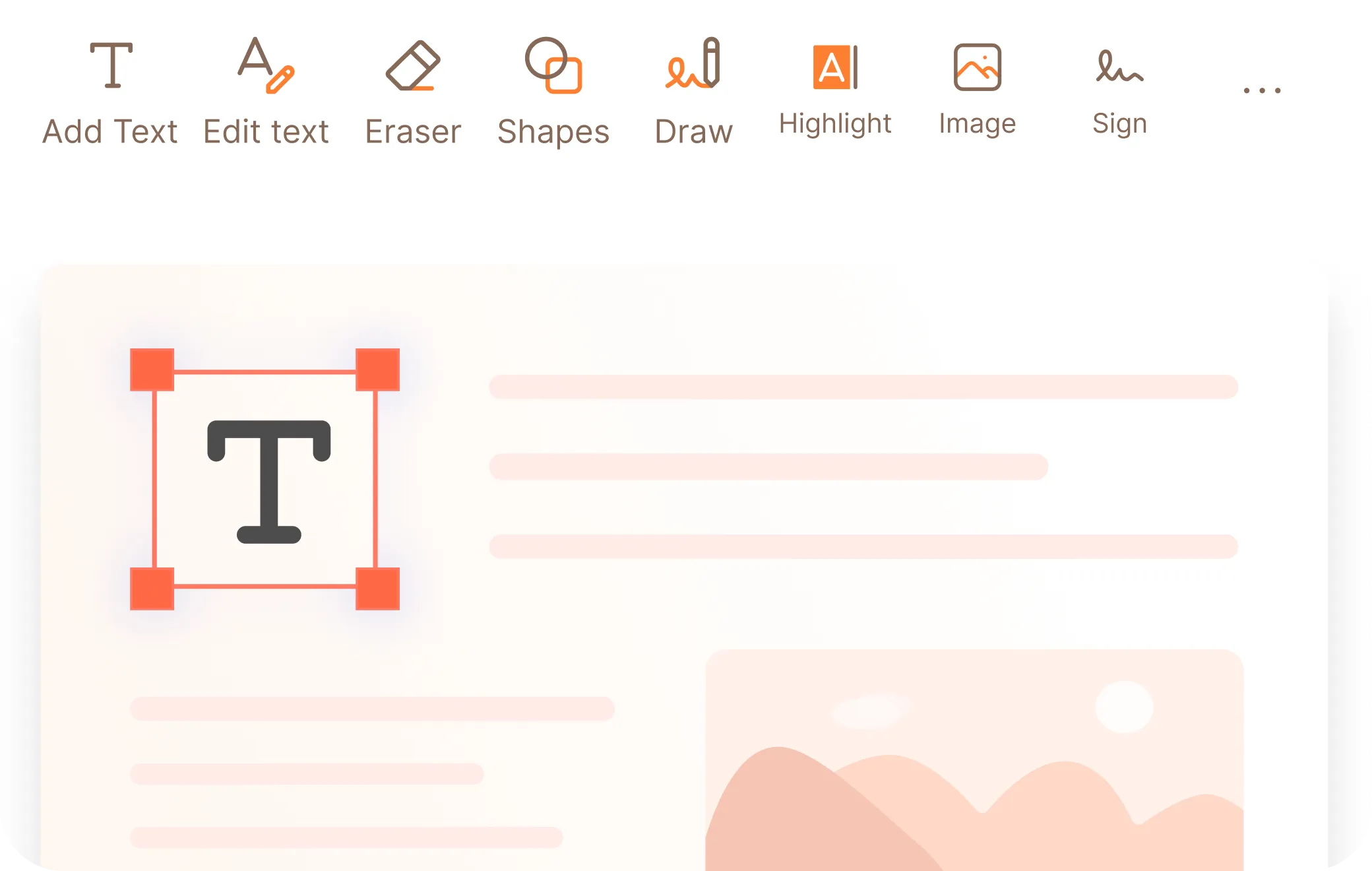
Išryškinti
Pasirinkite spalvą ir paryškinkite tekstą.
 3
Atsisiuntimas
Išsaugokite paryškintą PDF savo įrenginyje.
What sets us apart
Fewer steps, fewer apps, and more time for everything else.
All your PDF tools, side by side
One file, every tool, zero tab-hopping. Edit, convert, sign, and compress in the same workspace.
Any screen, any time
No software downloads, no setup. If your device has a browser, PDFEve runs on it.
- Access your files on any device
- Switch screens without switching tools
- Skip installations and updates
Everything you might be wondering about
Answers to the questions we hear most about PDFEve.
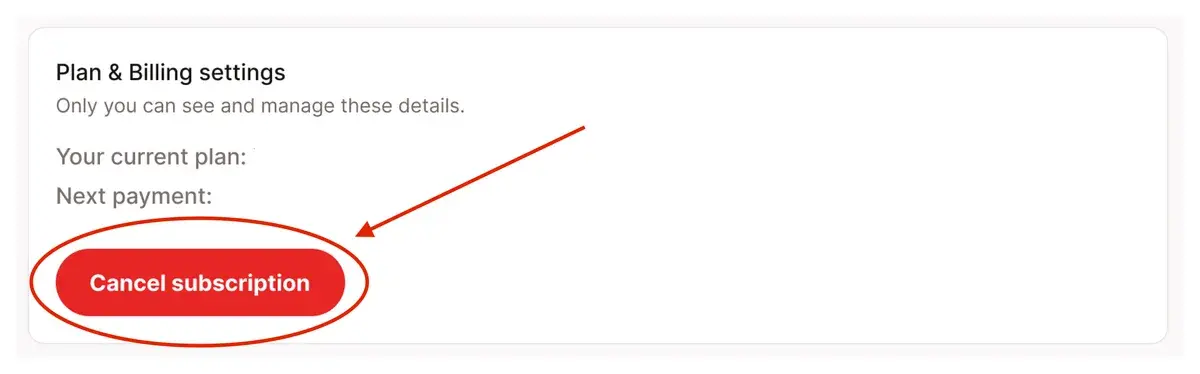 Go to the Membership tab in your account and click Cancel subscription. In case any questions arise, our support team can help at