Tiekėjų sutartys mano gautuosiuose anksčiau pragulėdavo kelias dienas, nes šalia nebūdavo spausdintuvo. Dabar jas pasirašau planšetėje renginio vietoje ir tęsiu darbus. Mano asistentė labai džiaugiasi.
Trinti PDF puslapius
Pašalinkite nereikalingus puslapius, o likusią PDF dalį palikite nepakitusią.
$10 kas 4 savaites. Galimi ir kiti planai. Peržiūrėkite planus ir kainas.
Jūsų failai išlieka privatūs ir yra saugiai saugomi bei tvarkomi mūsų serveriuose. Prenumeruokite, kad galėtumėte atsisiųsti. Periodinis atsiskaitymas. Galite bet kada atšaukti. Naudodamiesi šia paslauga sutinkate su mūsų Paslaugų teikimo sąlygomis ir Prenumeratos politika bei patvirtinate, kad susipažinote su mūsų Privatumo politika ir Slapukų politika.
Whatever the task, there’s a tool for it
50+ ways to work on your PDF. Find the tool you need and get started without installing anything.
Convert files
PDF to WordTurn any PDF into a Word doc you can edit line by line.
PDF to JPGTurn your PDF pages into a set of JPG images.
PDF to ExcelGet your PDF data into Excel cells you can work with.
PDF to PPTRebuild a PDF as a slide deck you’re ready to present.
Word to PDFTurn the doc you’re done editing into a PDF anyone can open.
JPG to PDFCombine your JPGs into one PDF, in the order you choose.
Excel to PDFTurn your sheet into a PDF that keeps every number in place.
PPT to PDFSave your slides as one PDF that opens on any device.
Optimize & organize
Edit & sign
Pašalinkite puslapius 3 veiksmais
Pasirinkite puslapius ir juos ištrinkite.
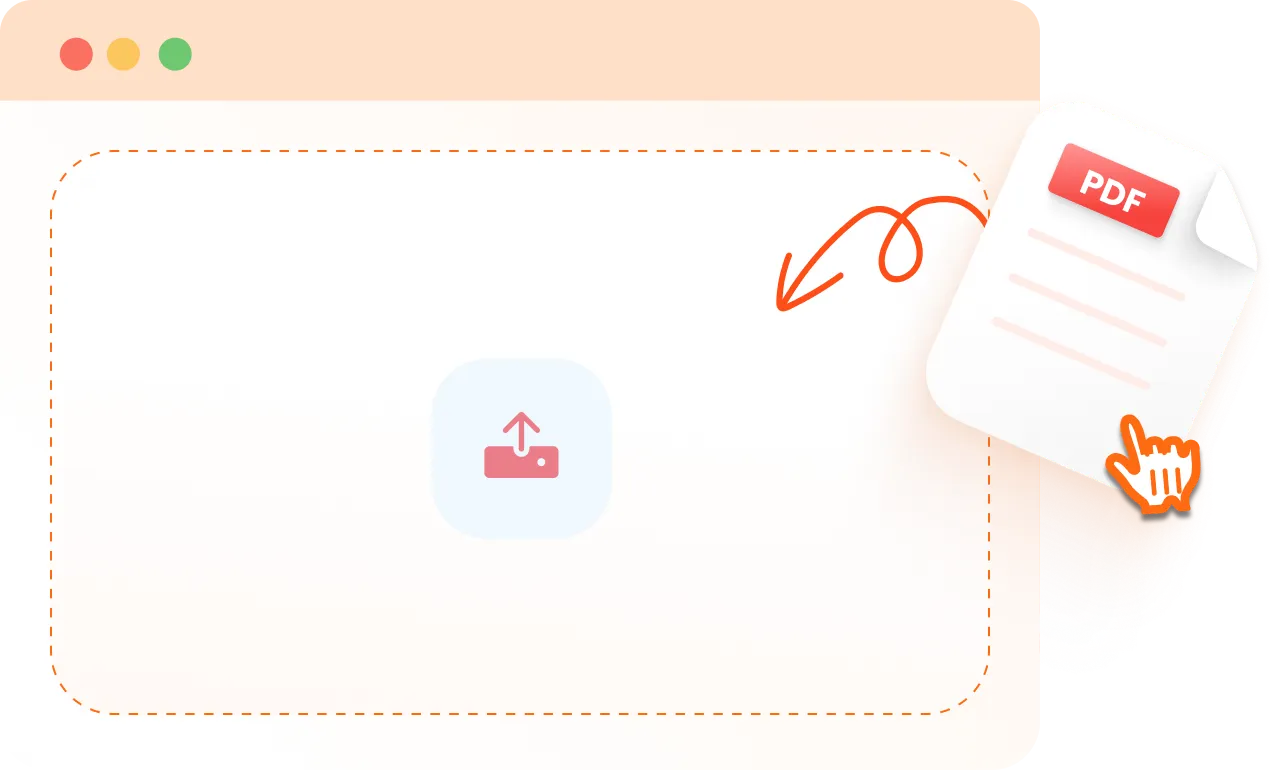
1Įkelkite
Pasirinkite PDF, kurį norite sutvarkyti.
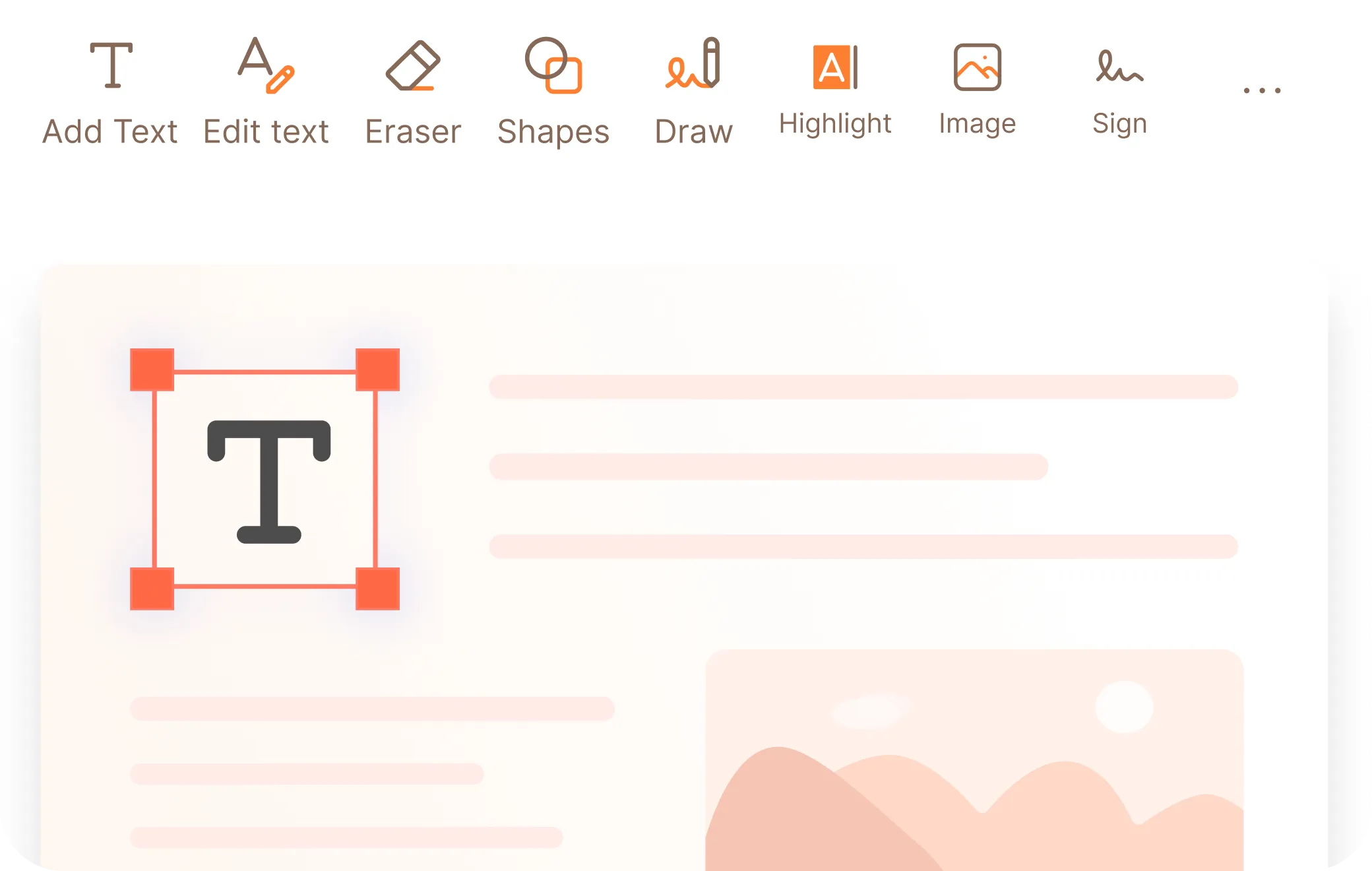
2Ištrinti
Pasirinkite šalintinus puslapius.
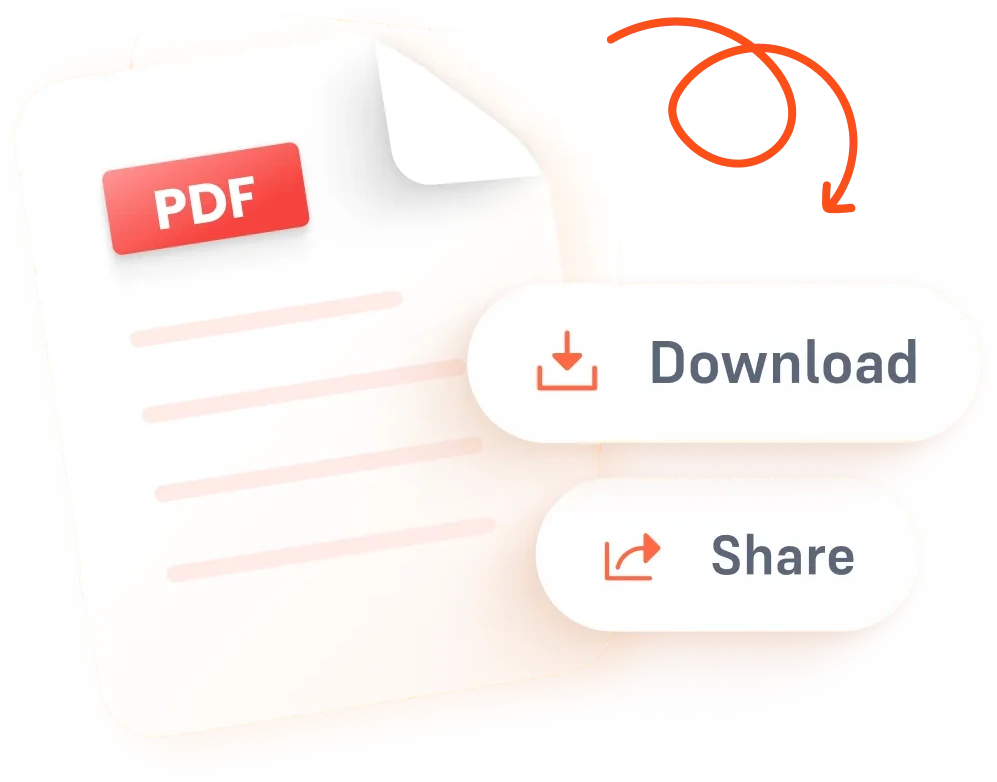
3Atsisiuntimas
Išsaugokite atnaujintą PDF į savo įrenginį.
What sets us apart
Fewer steps, fewer apps, and more time for everything else.
All your PDF tools, side by side
One file, every tool, zero tab-hopping. Edit, convert, sign, and compress in the same workspace.
Any screen, any time
No software downloads, no setup. If your device has a browser, PDFEve runs on it.
- Access your files on any device
- Switch screens without switching tools
- Skip installations and updates
Atsiliepimai jau gauti
Sužinokite, kaip PDFEve įsilieja į kasdienį darbą.
Klientai man siunčia PDF failus, kurių negaliu redaguoti, o vertimui jų reikia Word formatu. Juos konvertuoju, atlieku savo darbą ir vėl konvertuoju atgal. Tai tapo mano kasdienės rutinos dalimi.
Nuomos sutarčių pratęsimai, patikrinimų pastabos, remonto sąskaitos. Tvarkau daug dokumentų, susijusių su dvylika pastatų. Galimybė viską turėti vienoje vietoje gerokai sumažino savaitgaliais atliekamų susikaupusių darbų kiekį.
Everything you might be wondering about
Answers to the questions we hear most about PDFEve.
PDFEve is a browser-based PDF editor that brings editing, converting, signing, merging, and compressing together in one place. Upload a file, pick a tool, and get on with your day.
You can use PDFEve on any device running Windows, macOS, Linux, iOS, or Android, whether it’s a computer, tablet, or phone.
PDFEve includes more than 50 tools for editing text, adding images, and converting Word, Excel, PowerPoint, and JPG files. You can also combine and reorder pages, shrink file sizes, sign documents, and turn scans into editable text.
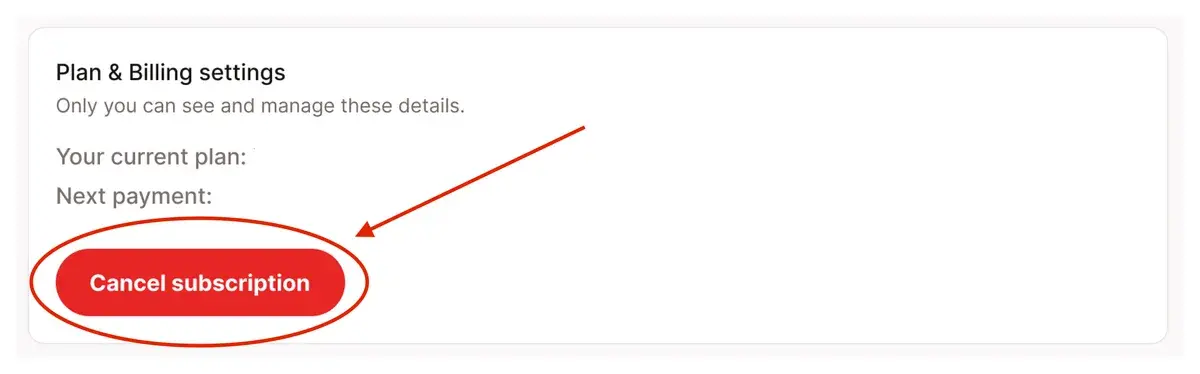
Go to the Membership tab in your account and click Cancel subscription. In case any questions arise, our support team can help at support@pdfeve.com or +1 (833) 696-3753.Nothing at all. PDFEve runs entirely in your browser, so there’s no software to download and no updates to keep track of.
Extra pages getting in the way?
Delete them and keep the rest.
Įkelkite savo failą ir pradėkite