Umowy z dostawcami leżały w mojej skrzynce odbiorczej całymi dniami, ponieważ nigdy nie miałam pod ręką drukarki. Teraz podpisuję je na tablecie na miejscu wydarzenia i przechodzę dalej. Moja asystentka jest zachwycona.
Usuń strony PDF
Usuń niepotrzebne strony, zachowując pozostałą część pliku PDF bez zmian.
$10 co 4 tygodnie. Dostępne są również inne plany. Zobacz plany i cennik.
Twoje pliki pozostają prywatne i są bezpiecznie przechowywane oraz przetwarzane na naszych serwerach. Zasubskrybuj, aby pobrać. Cykliczne rozliczenia. Możesz anulować w dowolnym momencie. Korzystając z tej usługi, akceptujesz nasze Warunki świadczenia usług i Zasady subskrypcji oraz potwierdzasz zapoznanie się z naszą Polityką prywatności i Polityką plików cookie.
Whatever the task, there’s a tool for it
50+ ways to work on your PDF. Find the tool you need and get started without installing anything.
Convert files
PDF to WordTurn any PDF into a Word doc you can edit line by line.
PDF to JPGTurn your PDF pages into a set of JPG images.
PDF to ExcelGet your PDF data into Excel cells you can work with.
PDF to PPTRebuild a PDF as a slide deck you’re ready to present.
Word to PDFTurn the doc you’re done editing into a PDF anyone can open.
JPG to PDFCombine your JPGs into one PDF, in the order you choose.
Excel to PDFTurn your sheet into a PDF that keeps every number in place.
PPT to PDFSave your slides as one PDF that opens on any device.
Optimize & organize
Edit & sign
Usuń strony w 3 krokach
Wybierz strony i je usuń.
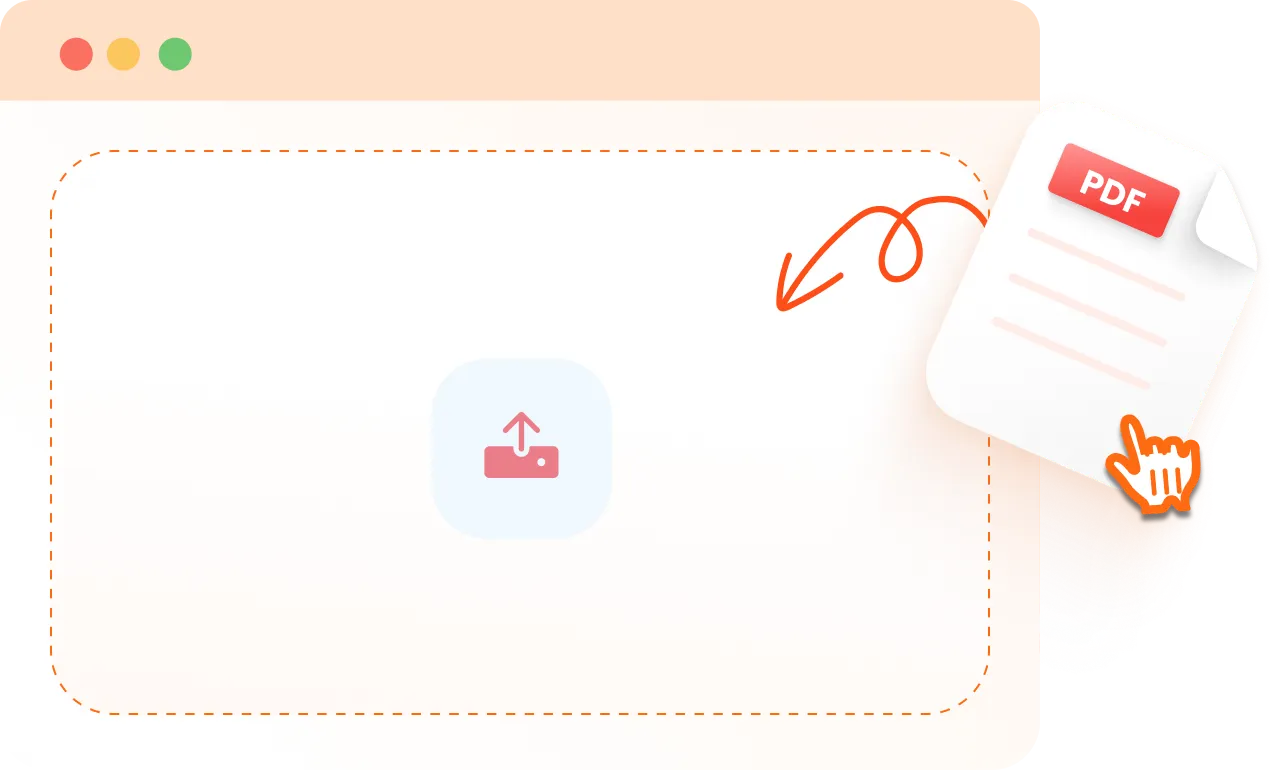
1Prześlij
Wybierz plik PDF, z którego chcesz usunąć strony.
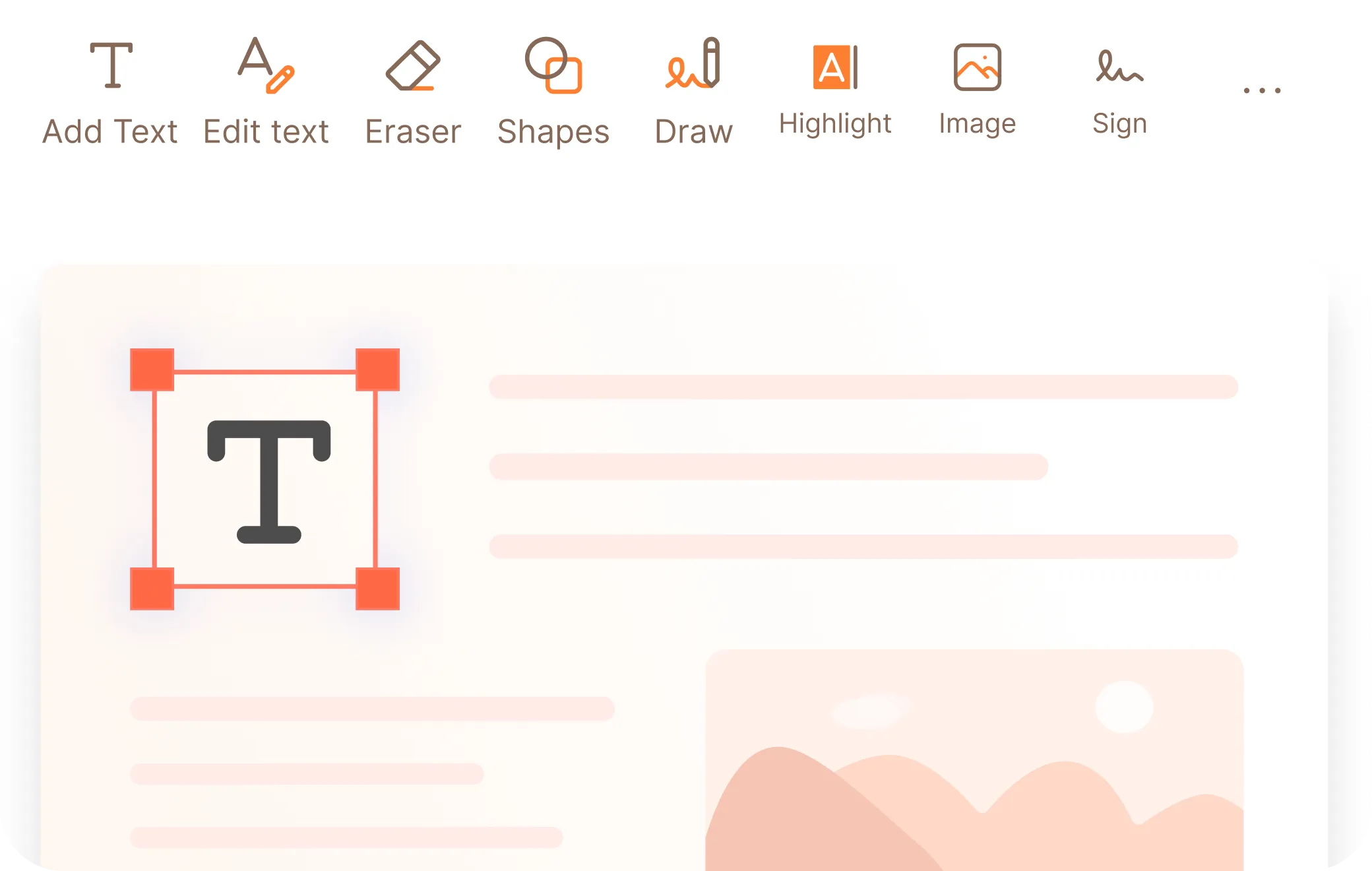
2Usuń
Wybierz strony do usunięcia.
3Pobierz
Zapisz zaktualizowany plik PDF na swoim urządzeniu.
What sets us apart
Fewer steps, fewer apps, and more time for everything else.
All your PDF tools, side by side
One file, every tool, zero tab-hopping. Edit, convert, sign, and compress in the same workspace.
Any screen, any time
No software downloads, no setup. If your device has a browser, PDFEve runs on it.
- Access your files on any device
- Switch screens without switching tools
- Skip installations and updates
Co mówią użytkownicy
Zobacz, jak PDFEve sprawdza się w codziennej pracy.
Klienci wysyłają mi pliki PDF, których nie mogę edytować, a potrzebuję ich w Word, aby je przetłumaczyć. Konwertuję je, robię swoje, a potem konwertuję z powrotem. To stało się częścią mojej codziennej rutyny.
Przedłużenia umów najmu, notatki z inspekcji, faktury za naprawy. Zajmuję się mnóstwem dokumentów w dwunastu budynkach. To, że wszystko mam w jednym miejscu, znacznie ograniczyło nadrabianie zaległości w weekendy.
Everything you might be wondering about
Answers to the questions we hear most about PDFEve.
PDFEve is a browser-based PDF editor that brings editing, converting, signing, merging, and compressing together in one place. Upload a file, pick a tool, and get on with your day.
You can use PDFEve on any device running Windows, macOS, Linux, iOS, or Android, whether it’s a computer, tablet, or phone.
PDFEve includes more than 50 tools for editing text, adding images, and converting Word, Excel, PowerPoint, and JPG files. You can also combine and reorder pages, shrink file sizes, sign documents, and turn scans into editable text.
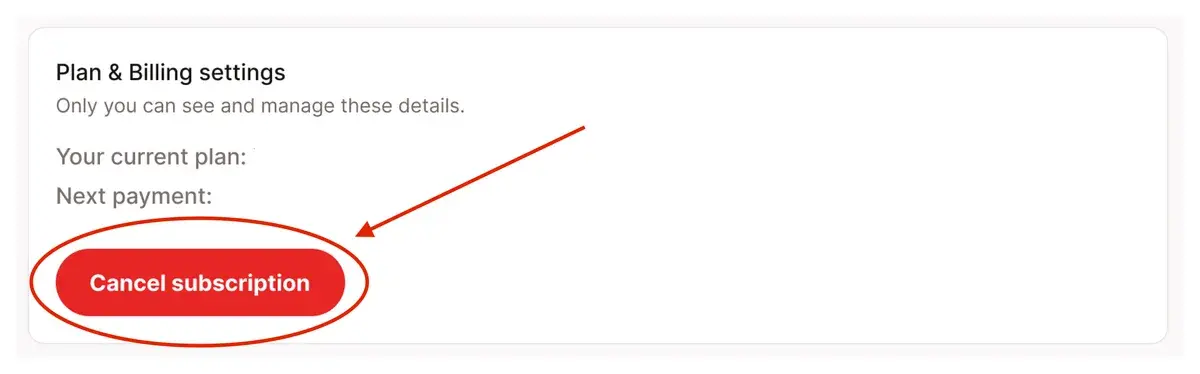
Go to the Membership tab in your account and click Cancel subscription. In case any questions arise, our support team can help at support@pdfeve.com or +1 (833) 696-3753.Nothing at all. PDFEve runs entirely in your browser, so there’s no software to download and no updates to keep track of.
Extra pages getting in the way?
Delete them and keep the rest.
Prześlij plik, aby rozpocząć