


프린터가 근처에 없어서 공급업체 계약서가 며칠씩 받은편지함에 그대로 있곤 했습니다. 이제는 행사장에서 태블릿으로 서명하고 다음 업무로 넘어갑니다. 제 어시스턴트도 무척 좋아합니다.
Whatever the task, there’s a tool for it
50+ ways to work on your PDF. Find the tool you need and get started without installing anything.
Convert files
PDF to WordTurn any PDF into a Word doc you can edit line by line.
PDF to JPGTurn your PDF pages into a set of JPG images.
PDF to ExcelGet your PDF data into Excel cells you can work with.
PDF to PPTRebuild a PDF as a slide deck you’re ready to present.
Word to PDFTurn the doc you’re done editing into a PDF anyone can open.
JPG to PDFCombine your JPGs into one PDF, in the order you choose.
Excel to PDFTurn your sheet into a PDF that keeps every number in place.
PPT to PDFSave your slides as one PDF that opens on any device.
Optimize & organize
Edit & sign
3단계로 PDF 분할
페이지를 선택하고 파일을 분할하세요.
 1
업로드
분할할 PDF를 선택하세요.
 2
분할
각 새 파일에 포함할 페이지를 선택하세요.
 3
다운로드
새 PDF 파일을 기기에 저장하세요.
What sets us apart
Fewer steps, fewer apps, and more time for everything else.
All your PDF tools, side by side
One file, every tool, zero tab-hopping. Edit, convert, sign, and compress in the same workspace.
Any screen, any time
No software downloads, no setup. If your device has a browser, PDFEve runs on it.
- Access your files on any device
- Switch screens without switching tools
- Skip installations and updates
Everything you might be wondering about
Answers to the questions we hear most about PDFEve.
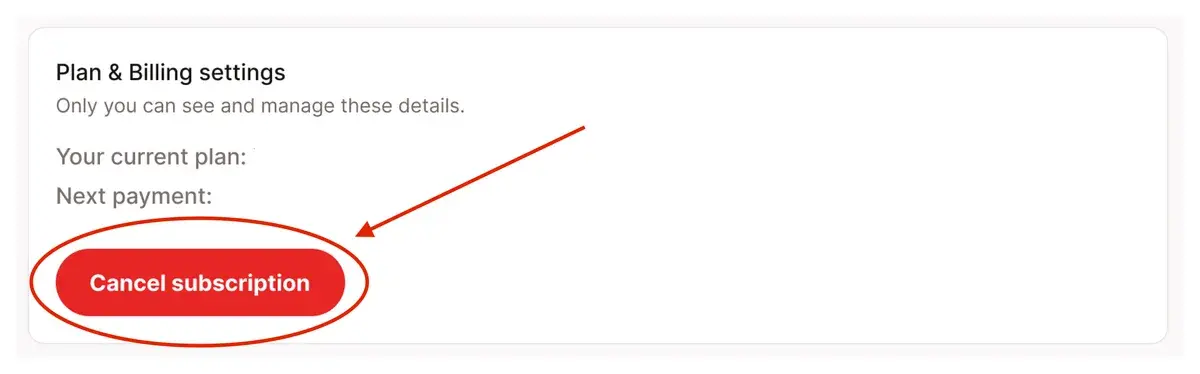 Go to the Membership tab in your account and click Cancel subscription. In case any questions arise, our support team can help at