I contratti con i fornitori restavano nella mia posta in arrivo per giorni perché non avevo mai una stampante a portata di mano. Ora li firmo sul tablet sul posto e vado avanti. La mia assistente è felicissima.
Firma PDF
Apponi la tua firma su qualsiasi PDF dal tuo browser.
$10 ogni 4 settimane. Sono disponibili altri piani. Vedi piani e prezzi.
I tuoi file rimangono privati e vengono archiviati ed elaborati in modo sicuro sui nostri server. Abbonati per scaricare. Fatturazione ricorrente. Annulla in qualsiasi momento. Utilizzando questo servizio, accetti i nostri Termini di servizio e la Politica di abbonamento e confermi di aver preso visione della nostra Informativa sulla privacy e della Politica sui cookie.
Whatever the task, there’s a tool for it
50+ ways to work on your PDF. Find the tool you need and get started without installing anything.
Convert files
PDF to WordTurn any PDF into a Word doc you can edit line by line.
PDF to JPGTurn your PDF pages into a set of JPG images.
PDF to ExcelGet your PDF data into Excel cells you can work with.
PDF to PPTRebuild a PDF as a slide deck you’re ready to present.
Word to PDFTurn the doc you’re done editing into a PDF anyone can open.
JPG to PDFCombine your JPGs into one PDF, in the order you choose.
Excel to PDFTurn your sheet into a PDF that keeps every number in place.
PPT to PDFSave your slides as one PDF that opens on any device.
Optimize & organize
Edit & sign
Il tuo PDF firmato in 3 passaggi
Aggiungi la tua firma e salva il file firmato.
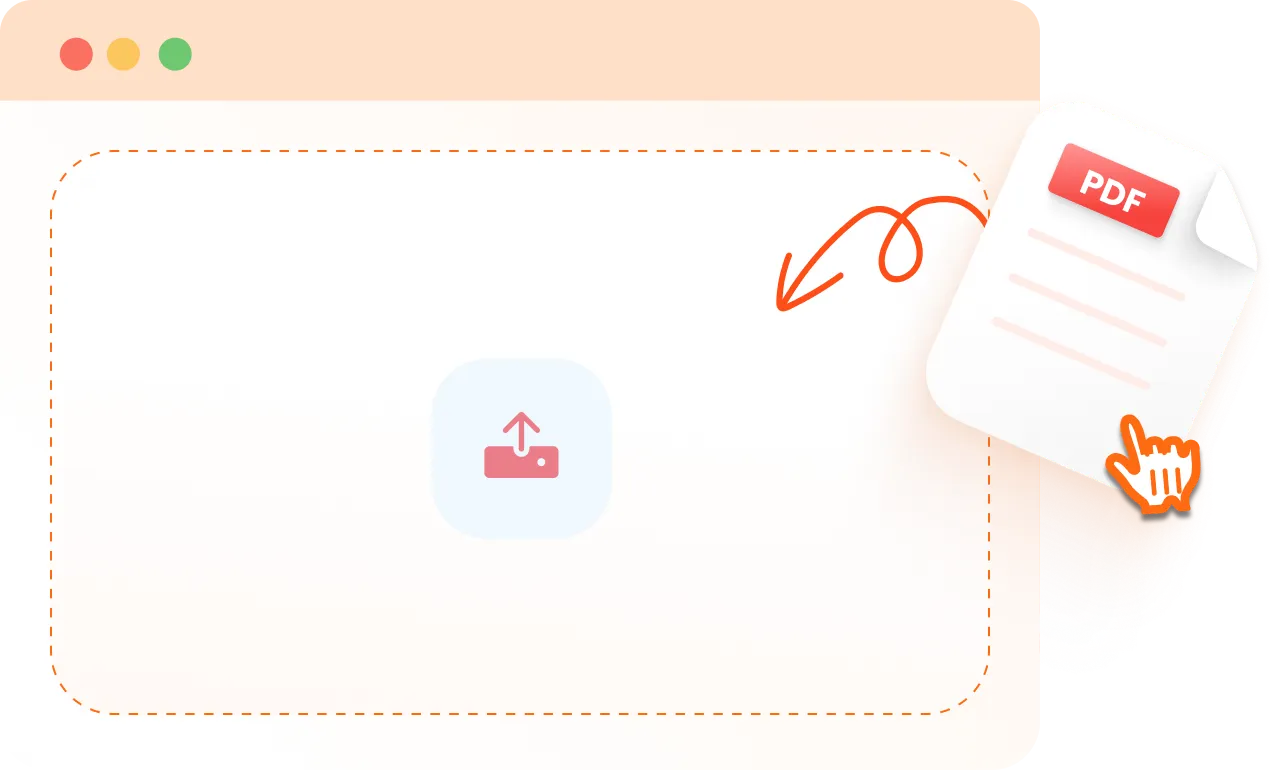
1Carica
Scegli il PDF che devi firmare.
2Cartello
Digita, disegna o carica la tua firma e posizionala.
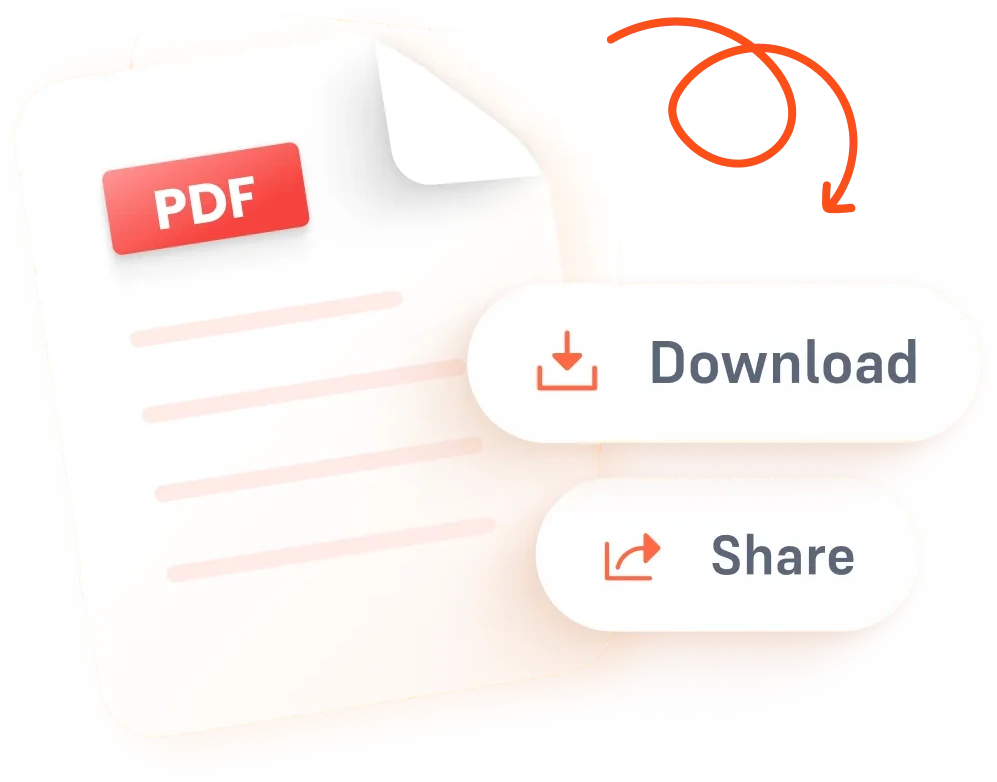
3Scarica
Salva il PDF firmato sul tuo dispositivo.
What sets us apart
Fewer steps, fewer apps, and more time for everything else.
All your PDF tools, side by side
One file, every tool, zero tab-hopping. Edit, convert, sign, and compress in the same workspace.
Any screen, any time
No software downloads, no setup. If your device has a browser, PDFEve runs on it.
- Access your files on any device
- Switch screens without switching tools
- Skip installations and updates
Le recensioni parlano chiaro
Scopri come PDFEve si integra nel lavoro di tutti i giorni.
I clienti mi inviano PDF che non posso modificare e mi servono in Word per tradurli. Li converto, faccio il mio lavoro e poi li riconverto. È diventato parte della mia routine quotidiana.
Rinnovi dei contratti di locazione, note sulle ispezioni, fatture di riparazione. Gestisco moltissimi documenti per dodici edifici. Avere tutto in un unico posto ha ridotto notevolmente il tempo che dedico nel fine settimana a recuperare il lavoro arretrato.
Everything you might be wondering about
Answers to the questions we hear most about PDFEve.
PDFEve is a browser-based PDF editor that brings editing, converting, signing, merging, and compressing together in one place. Upload a file, pick a tool, and get on with your day.
You can use PDFEve on any device running Windows, macOS, Linux, iOS, or Android, whether it’s a computer, tablet, or phone.
PDFEve includes more than 50 tools for editing text, adding images, and converting Word, Excel, PowerPoint, and JPG files. You can also combine and reorder pages, shrink file sizes, sign documents, and turn scans into editable text.
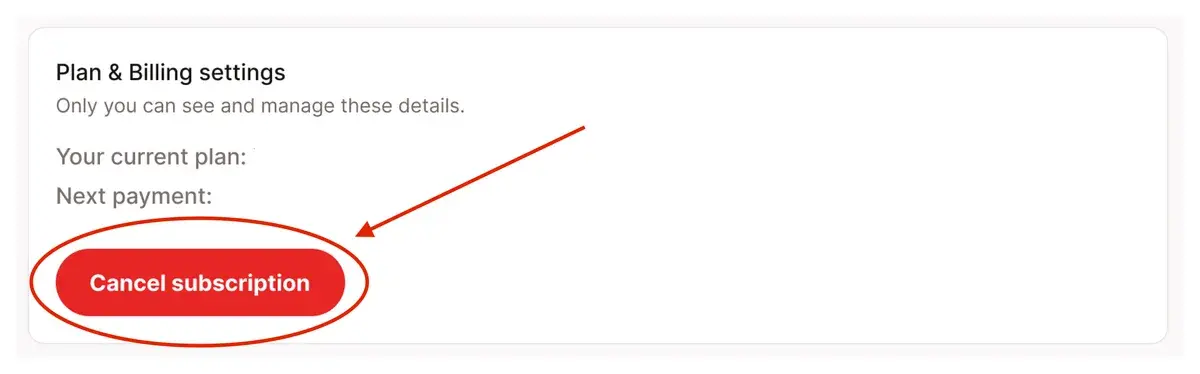
Go to the Membership tab in your account and click Cancel subscription. In case any questions arise, our support team can help at support@pdfeve.com or +1 (833) 696-3753.Nothing at all. PDFEve runs entirely in your browser, so there’s no software to download and no updates to keep track of.
Ready to sign?
Add your signature and skip the printer.
Carica il tuo file per iniziare