


Trước đây, hợp đồng với nhà cung cấp thường nằm trong hộp thư đến của tôi nhiều ngày vì không có máy in ở gần. Giờ đây, tôi ký chúng trên máy tính bảng tại địa điểm tổ chức rồi tiếp tục công việc. Trợ lý của tôi rất hài lòng.
Whatever the task, there’s a tool for it
50+ ways to work on your PDF. Find the tool you need and get started without installing anything.
Convert files
PDF to WordTurn any PDF into a Word doc you can edit line by line.
PDF to JPGTurn your PDF pages into a set of JPG images.
PDF to ExcelGet your PDF data into Excel cells you can work with.
PDF to PPTRebuild a PDF as a slide deck you’re ready to present.
Word to PDFTurn the doc you’re done editing into a PDF anyone can open.
JPG to PDFCombine your JPGs into one PDF, in the order you choose.
Excel to PDFTurn your sheet into a PDF that keeps every number in place.
PPT to PDFSave your slides as one PDF that opens on any device.
Optimize & organize
Edit & sign
Trích xuất văn bản từ tệp PDF của bạn qua 3 bước
OCR chuyển mọi trang thành văn bản có thể sử dụng lại.
 1
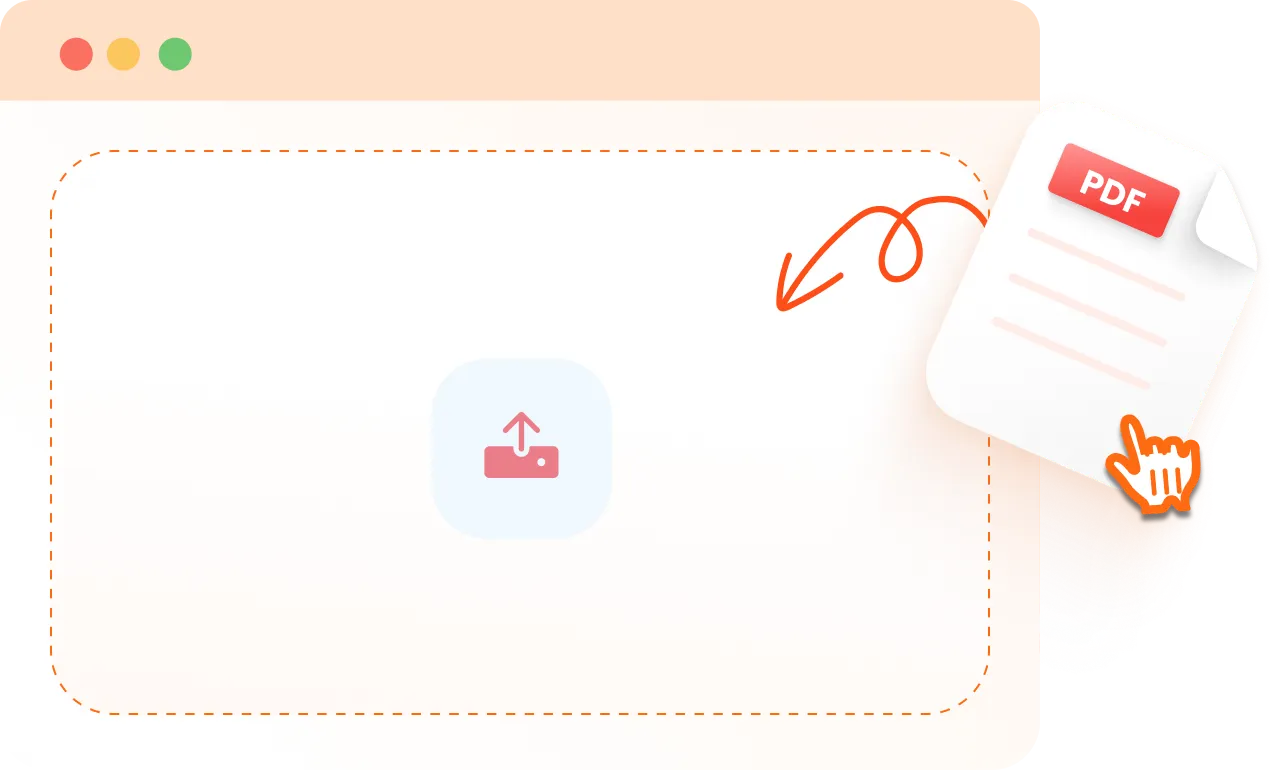
Tải lên
Chọn tệp PDF có văn bản bạn cần.
 2
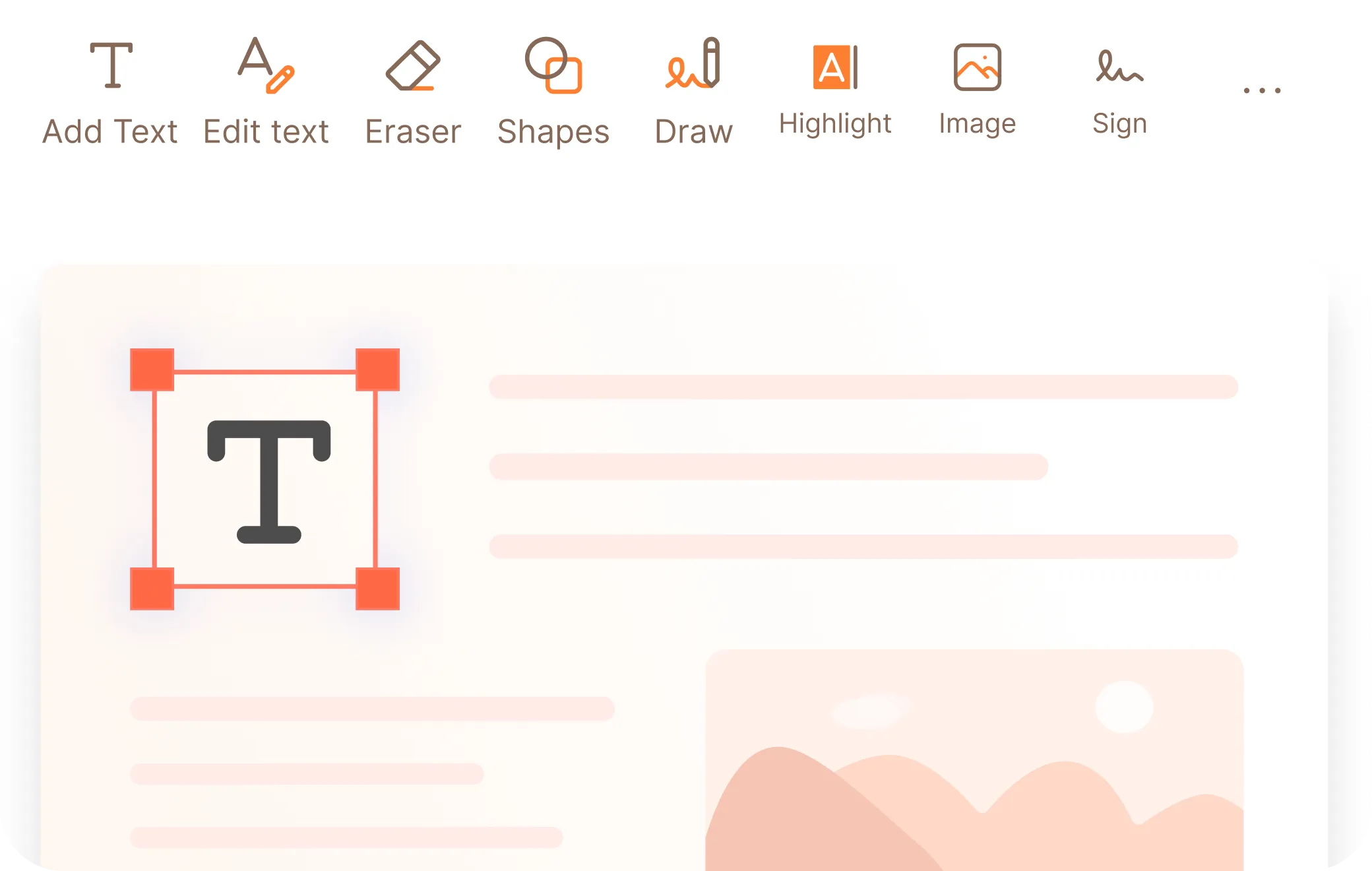
Trích xuất
Bắt đầu OCR cho toàn bộ tài liệu.
 3
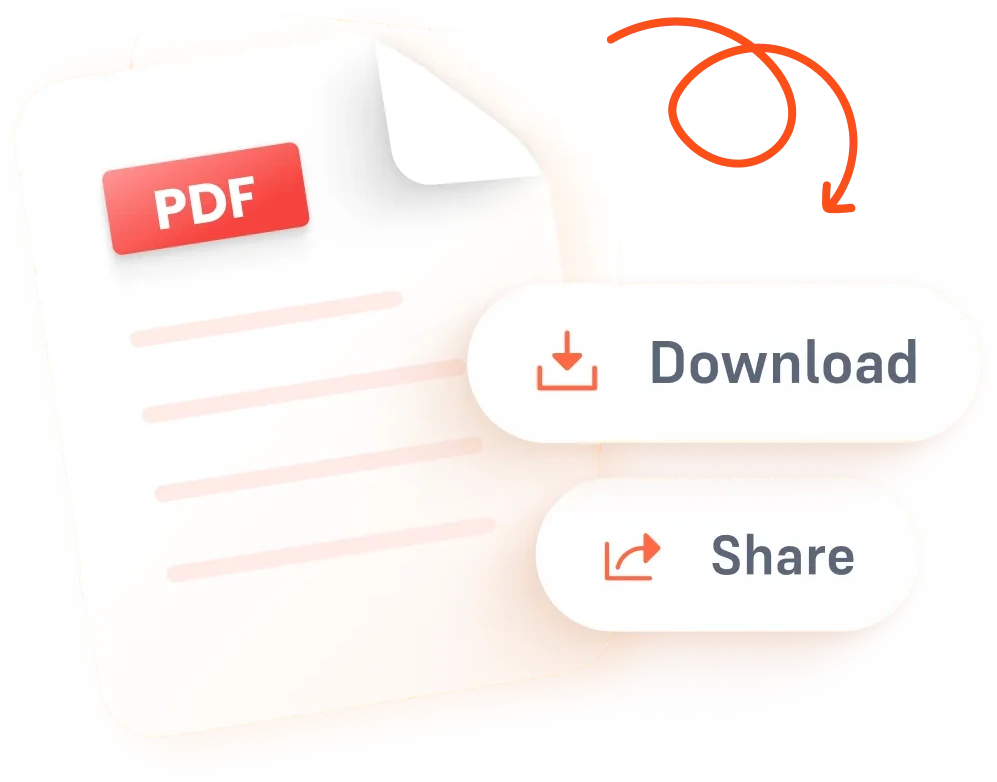
Tải xuống
Tải xuống tệp có văn bản đã trích xuất.
What sets us apart
Fewer steps, fewer apps, and more time for everything else.
All your PDF tools, side by side
One file, every tool, zero tab-hopping. Edit, convert, sign, and compress in the same workspace.
Any screen, any time
No software downloads, no setup. If your device has a browser, PDFEve runs on it.
- Access your files on any device
- Switch screens without switching tools
- Skip installations and updates
Everything you might be wondering about
Answers to the questions we hear most about PDFEve.
 Go to the Membership tab in your account and click Cancel subscription. In case any questions arise, our support team can help at