Договори з постачальниками раніше лежали в моїй поштовій скриньці днями, бо поруч ніколи не було принтера. Тепер я підписую їх на планшеті просто на місці проведення заходу й одразу переходжу до інших справ. Мій помічник у захваті.
Сканувати в PDF
Зберігайте відскановані паперові документи у форматі PDF.
$10 раз на 4 тижні. Доступні й інші плани. Переглянути плани й ціни.
Ваші файли залишаються приватними та безпечно зберігаються й обробляються на наших серверах. Оформіть підписку, щоб завантажити. Регулярне списання коштів. Скасуйте будь-коли. Користуючись цим сервісом, Ви погоджуєтеся з нашими Умовами використання і Політикою підписки та підтверджуєте ознайомлення з нашими Політикою конфіденційності і Політикою використання файлів cookie.
Whatever the task, there’s a tool for it
50+ ways to work on your PDF. Find the tool you need and get started without installing anything.
Convert files
PDF to WordTurn any PDF into a Word doc you can edit line by line.
PDF to JPGTurn your PDF pages into a set of JPG images.
PDF to ExcelGet your PDF data into Excel cells you can work with.
PDF to PPTRebuild a PDF as a slide deck you’re ready to present.
Word to PDFTurn the doc you’re done editing into a PDF anyone can open.
JPG to PDFCombine your JPGs into one PDF, in the order you choose.
Excel to PDFTurn your sheet into a PDF that keeps every number in place.
PPT to PDFSave your slides as one PDF that opens on any device.
Optimize & organize
Edit & sign
Ваші документи, відскановані за 3 кроки
Додайте скани та збережіть їх як один PDF.
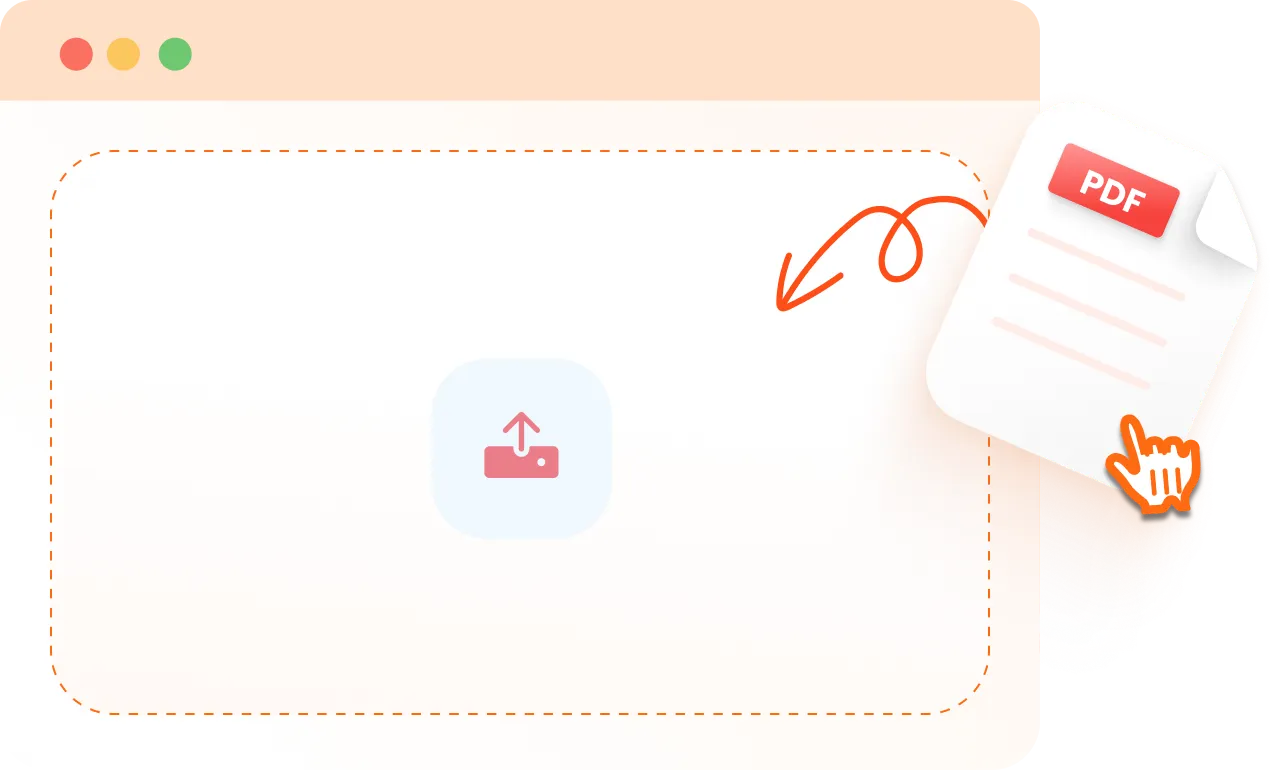
1Завантажити
Додайте скани або фотографії сторінок.
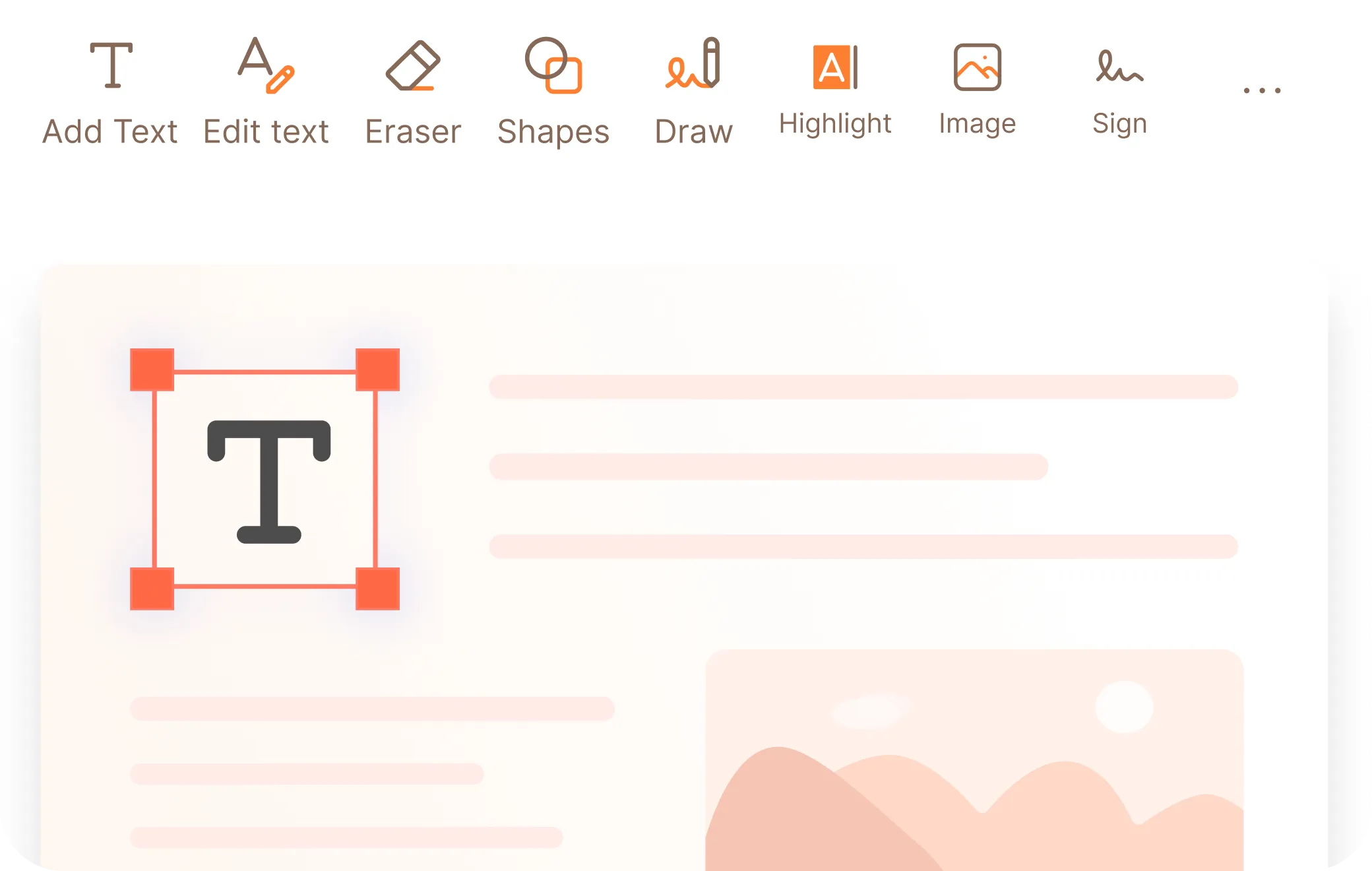
2Упорядкувати
Упорядкуйте сторінки.
3Завантажити
Збережіть новий PDF на своєму пристрої.
What sets us apart
Fewer steps, fewer apps, and more time for everything else.
All your PDF tools, side by side
One file, every tool, zero tab-hopping. Edit, convert, sign, and compress in the same workspace.
Any screen, any time
No software downloads, no setup. If your device has a browser, PDFEve runs on it.
- Access your files on any device
- Switch screens without switching tools
- Skip installations and updates
Відгуки вже тут
Дізнайтеся, як PDFEve вписується у повсякденну роботу.
Клієнти надсилають мені PDF, які я не можу редагувати, а для перекладу вони потрібні мені у Word. Я конвертую їх, виконую свою роботу й конвертую назад. Це стало частиною моєї щоденної рутини.
Продовження договорів оренди, нотатки з інспекцій, рахунки за ремонт. Мені доводиться мати справу з великою кількістю документів, пов’язаних із дванадцятьма будівлями. Те, що все це зібрано в одному місці, значно скоротило обсяг роботи з документами, яку мені доводиться надолужувати у вихідні.
Everything you might be wondering about
Answers to the questions we hear most about PDFEve.
PDFEve is a browser-based PDF editor that brings editing, converting, signing, merging, and compressing together in one place. Upload a file, pick a tool, and get on with your day.
You can use PDFEve on any device running Windows, macOS, Linux, iOS, or Android, whether it’s a computer, tablet, or phone.
PDFEve includes more than 50 tools for editing text, adding images, and converting Word, Excel, PowerPoint, and JPG files. You can also combine and reorder pages, shrink file sizes, sign documents, and turn scans into editable text.
Go to the Membership tab in your account and click Cancel subscription. In case any questions arise, our support team can help at support@pdfeve.com or +1 (833) 696-3753.Nothing at all. PDFEve runs entirely in your browser, so there’s no software to download and no updates to keep track of.
Paper piling up?
Turn your scans into one clean PDF.
Додайте файл, щоб розпочати