Nananatili noon nang ilang araw sa inbox ko ang mga kontrata sa mga tagapagtustos dahil wala akong printer na malapit. Ngayon, pinipirmahan ko ang mga ito sa tablet ko sa lugar ng pagdarausan at nagpapatuloy ako sa iba pang gawain. Tuwang-tuwa ang aking asistente.
OCR ng Sulat-kamay
Gawing digital na teksto ang mga tala na sulat-kamay sa papel.
$10 bawat 4 linggo. May iba pang planong available. Tingnan ang mga plano at presyo.
Mananatiling pribado ang iyong mga file at ligtas na nakaimbak at pinoproseso sa aming mga server. Mag-subscribe para makapag-download. Paulit-ulit na pagsingil. Maaari mong kanselahin anumang oras. Sa paggamit ng serbisyong ito, sumasang-ayon ka sa aming Mga tuntunin ng serbisyo at Patakaran sa subscription at kinikilala mo ang aming Patakaran sa privacy at Patakaran sa cookie.
Whatever the task, there’s a tool for it
50+ ways to work on your PDF. Find the tool you need and get started without installing anything.
Convert files
PDF to WordTurn any PDF into a Word doc you can edit line by line.
PDF to JPGTurn your PDF pages into a set of JPG images.
PDF to ExcelGet your PDF data into Excel cells you can work with.
PDF to PPTRebuild a PDF as a slide deck you’re ready to present.
Word to PDFTurn the doc you’re done editing into a PDF anyone can open.
JPG to PDFCombine your JPGs into one PDF, in the order you choose.
Excel to PDFTurn your sheet into a PDF that keeps every number in place.
PPT to PDFSave your slides as one PDF that opens on any device.
Optimize & organize
Edit & sign
Ang iyong mga tala, na-type sa 3 hakbang
Binabasa ang iyong sulat-kamay at kino-convert ito sa na-type na teksto.
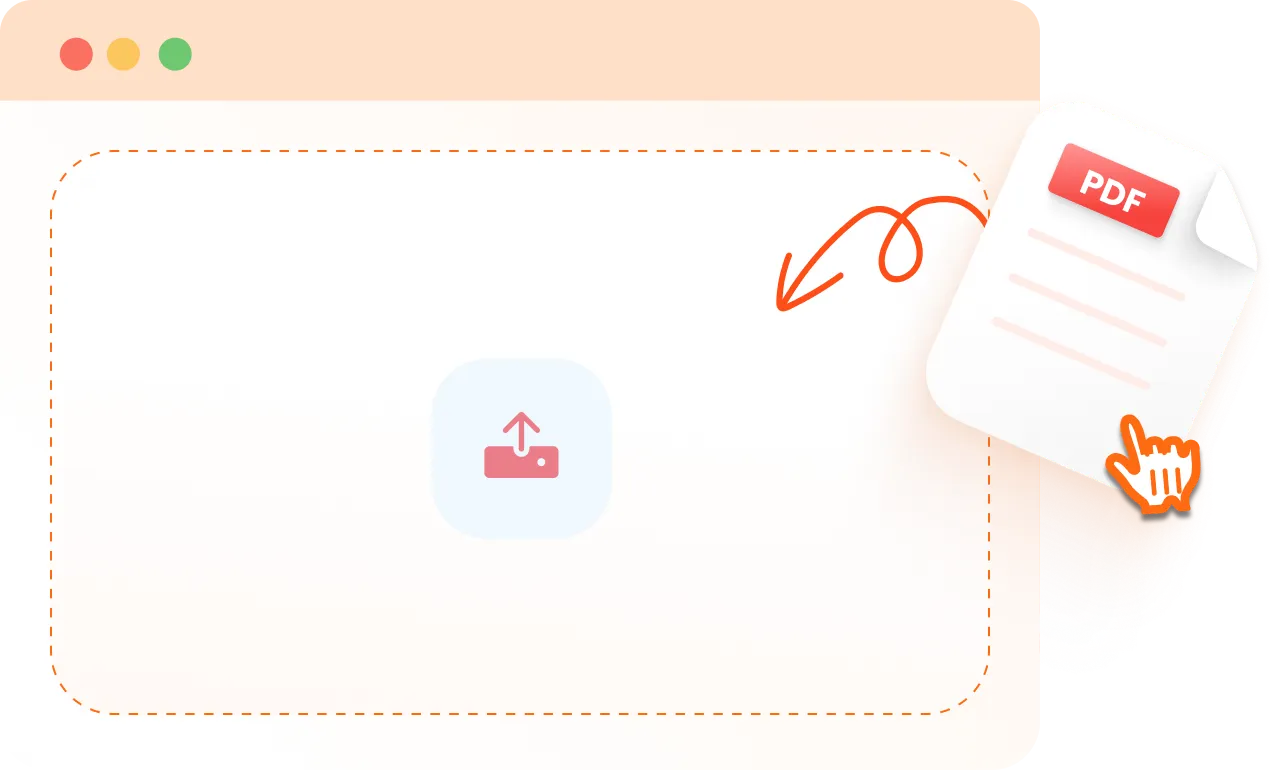
1Mag-upload
Magdagdag ng malinaw na larawan o scan ng iyong mga tala.
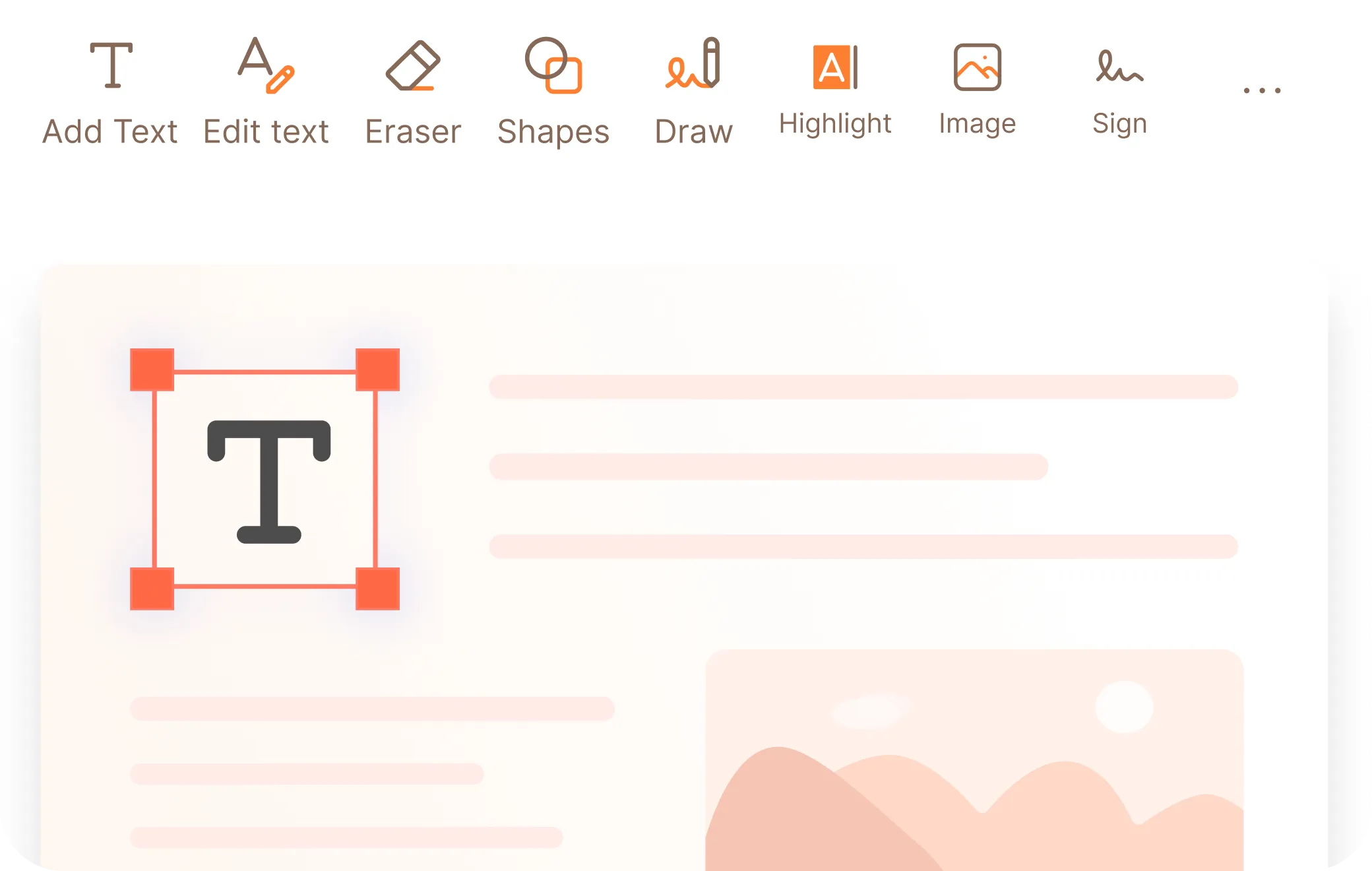
2Tukuyin
Simulan ang pagkilala sa sulat-kamay.
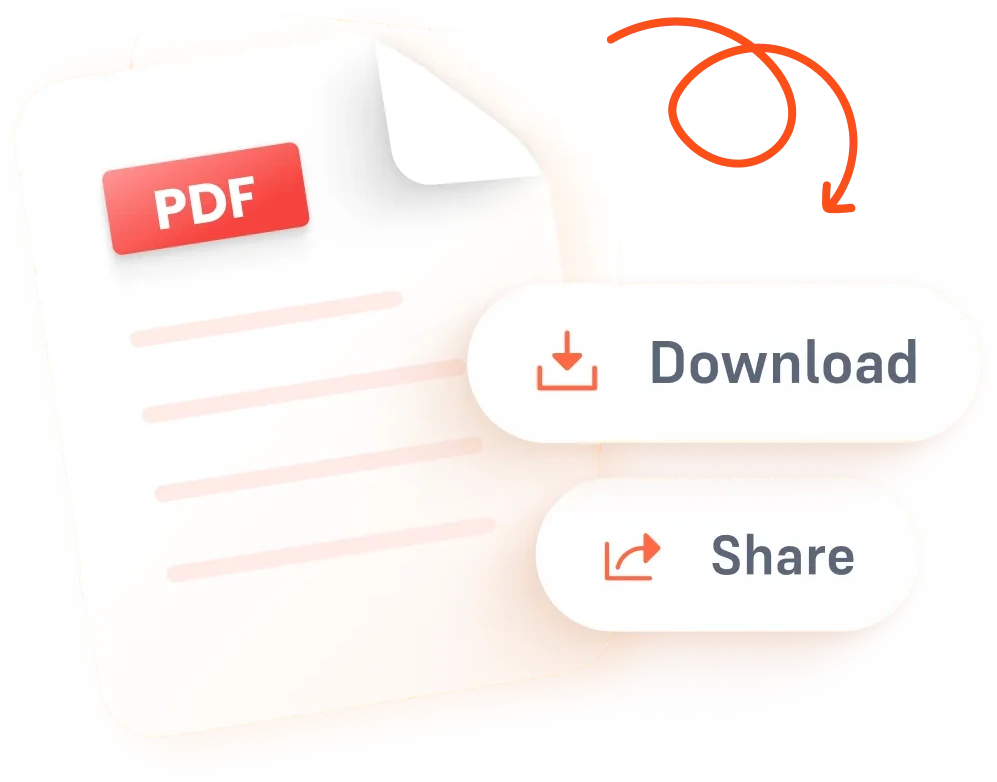
3I-download
I-save ang teksto at suriin ito kung may mga mali.
What sets us apart
Fewer steps, fewer apps, and more time for everything else.
All your PDF tools, side by side
One file, every tool, zero tab-hopping. Edit, convert, sign, and compress in the same workspace.
Any screen, any time
No software downloads, no setup. If your device has a browser, PDFEve runs on it.
- Access your files on any device
- Switch screens without switching tools
- Skip installations and updates
Narito na ang mga review
Tingnan kung paano umaakma ang PDFEve sa pang-araw-araw na trabaho.
Nagpapadala sa akin ang mga kliyente ng mga PDF na hindi ko ma-edit, at kailangan ko ang mga ito sa format na Word para maisalin. Kino-convert ko ang mga ito, ginagawa ko ang trabaho ko, at ibinabalik ko ang mga ito sa PDF. Naging bahagi na ito ng araw-araw kong gawain.
Mga pagpapanibago ng kontrata sa pagpapaupa, tala ng inspeksiyon, at mga invoice sa pagkukumpuni. Napakarami kong dokumentong inaasikaso sa labindalawang gusali. Dahil nasa iisang lugar ang lahat, malaki ang nabawas sa oras na ginugugol ko tuwing weekend para makahabol sa mga gawain.
Everything you might be wondering about
Answers to the questions we hear most about PDFEve.
PDFEve is a browser-based PDF editor that brings editing, converting, signing, merging, and compressing together in one place. Upload a file, pick a tool, and get on with your day.
You can use PDFEve on any device running Windows, macOS, Linux, iOS, or Android, whether it’s a computer, tablet, or phone.
PDFEve includes more than 50 tools for editing text, adding images, and converting Word, Excel, PowerPoint, and JPG files. You can also combine and reorder pages, shrink file sizes, sign documents, and turn scans into editable text.
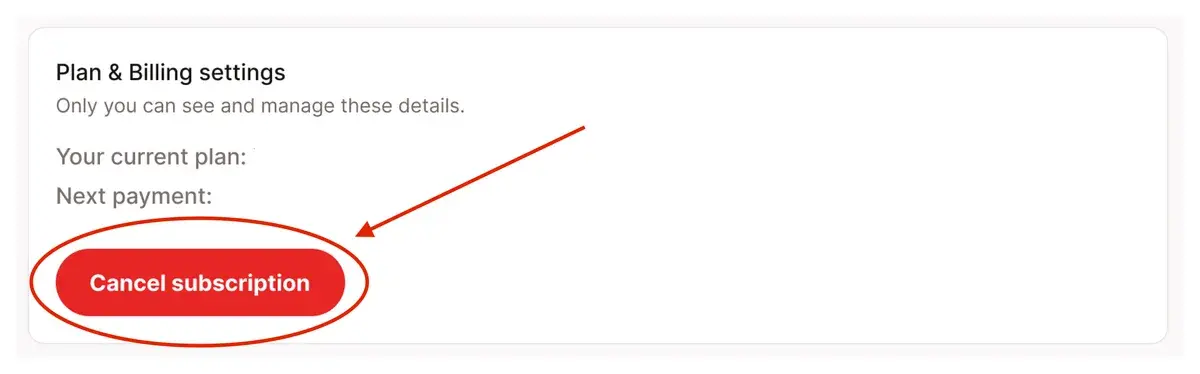
Go to the Membership tab in your account and click Cancel subscription. In case any questions arise, our support team can help at support@pdfeve.com or +1 (833) 696-3753.Nothing at all. PDFEve runs entirely in your browser, so there’s no software to download and no updates to keep track of.
Notes on paper?
Turn them into typed text.
I-upload ang iyong file para makapagsimula