Zmluvy s dodávateľmi mi kedysi celé dni zostávali v doručenej pošte, pretože som nikdy nemala poruke tlačiareň. Teraz ich podpisujem na tablete priamo na mieste konania a môžem sa venovať ďalším veciam. Moja asistentka je nadšená.
Odoslať PDF
Zdieľajte svoj súbor PDF e-mailom bez toho, aby ste opustili stránku.
$10 každé 4 týždne. K dispozícii sú aj iné plány. Pozrite si plány a ceny.
Vaše súbory zostávajú súkromné a sú bezpečne uložené a spracúvané na našich serveroch. Na sťahovanie je potrebné predplatné. Pravidelná fakturácia. Predplatné môžete kedykoľvek zrušiť. Používaním tejto služby súhlasíte s našimi Podmienkami používania a Zásadami predplatného a beriete na vedomie naše Zásady ochrany súkromia a Zásady používania súborov cookie.
Whatever the task, there’s a tool for it
50+ ways to work on your PDF. Find the tool you need and get started without installing anything.
Convert files
PDF to WordTurn any PDF into a Word doc you can edit line by line.
PDF to JPGTurn your PDF pages into a set of JPG images.
PDF to ExcelGet your PDF data into Excel cells you can work with.
PDF to PPTRebuild a PDF as a slide deck you’re ready to present.
Word to PDFTurn the doc you’re done editing into a PDF anyone can open.
JPG to PDFCombine your JPGs into one PDF, in the order you choose.
Excel to PDFTurn your sheet into a PDF that keeps every number in place.
PPT to PDFSave your slides as one PDF that opens on any device.
Optimize & organize
Edit & sign
Váš PDF odoslaný v 3 krokoch
Pridajte príjemcu a odošlite svoj súbor.
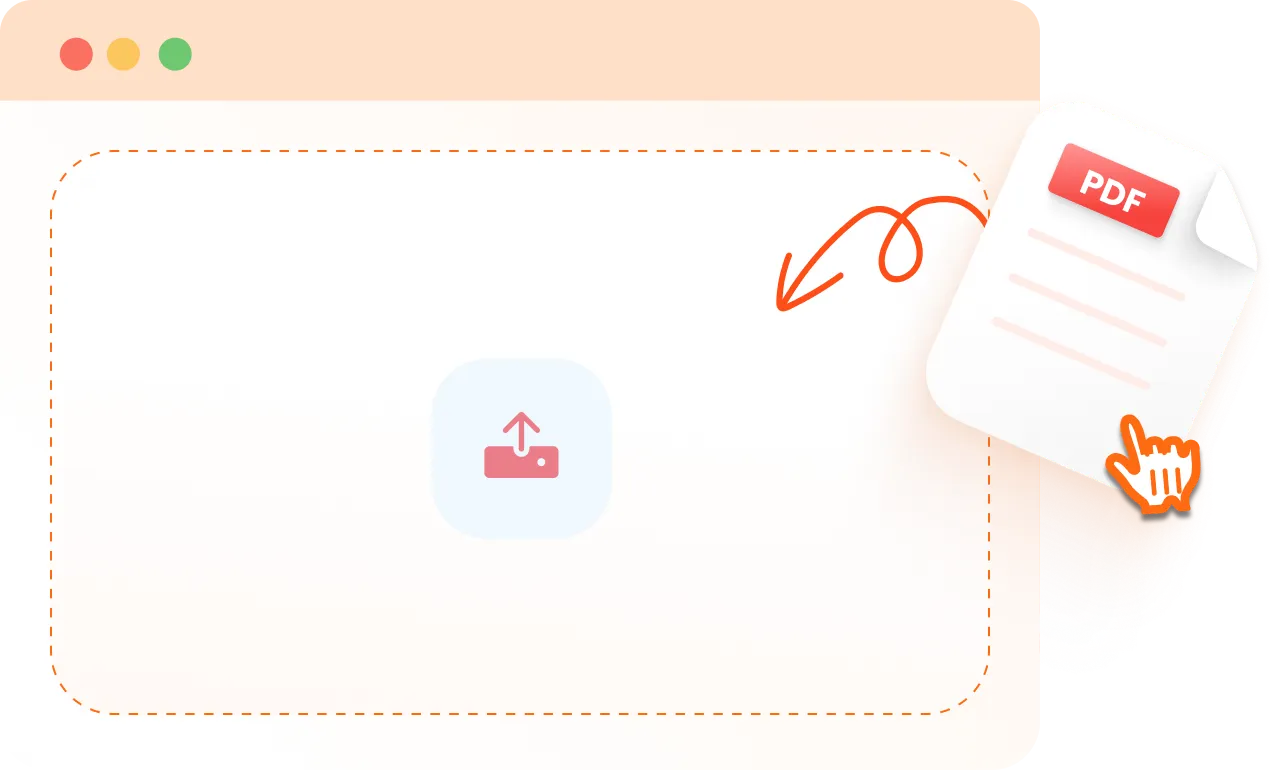
1Nahratie
Vyberte súbor PDF, ktorý chcete odoslať.
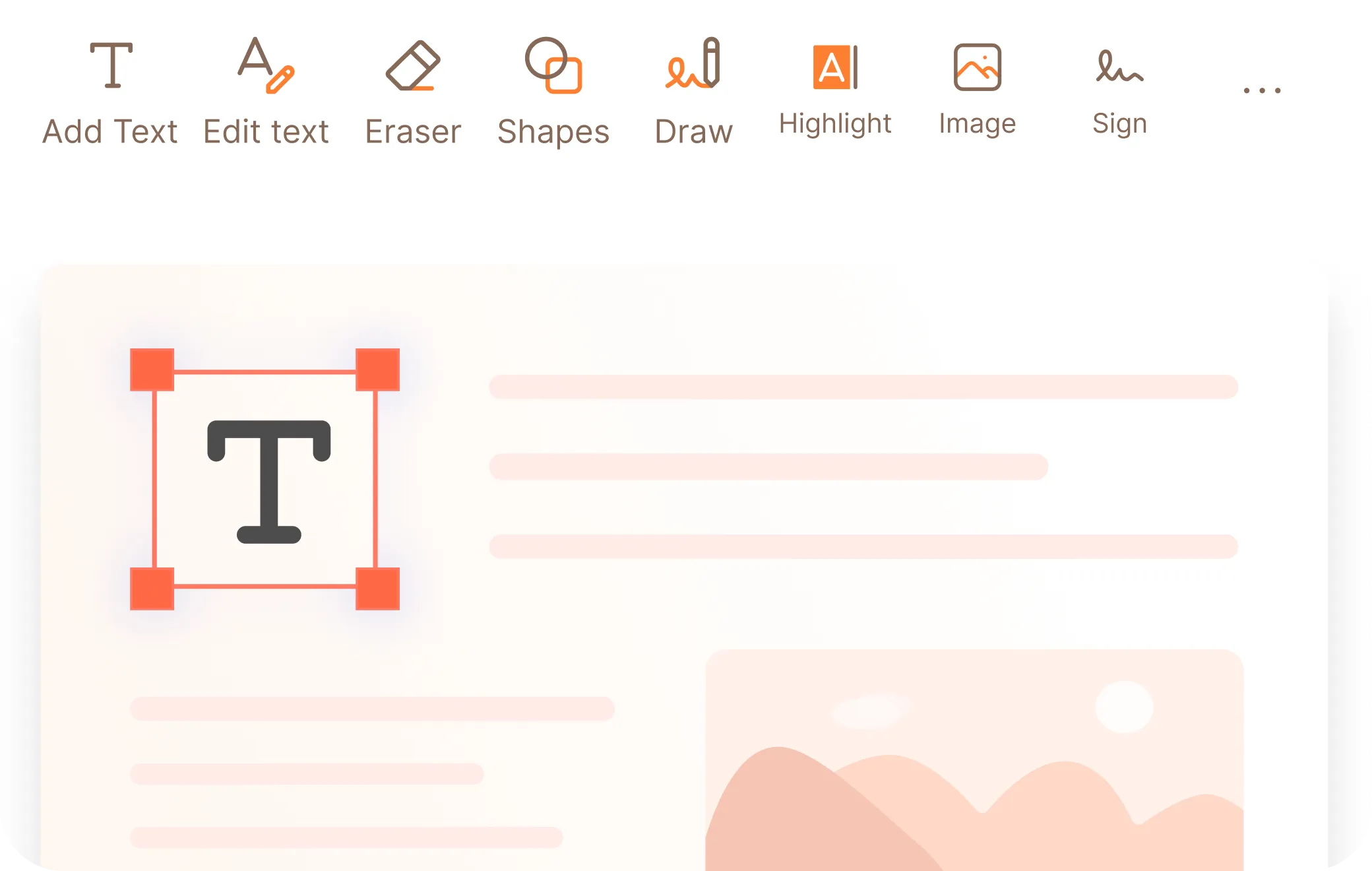
2Adresa
Pridajte e-mailovú adresu príjemcu.
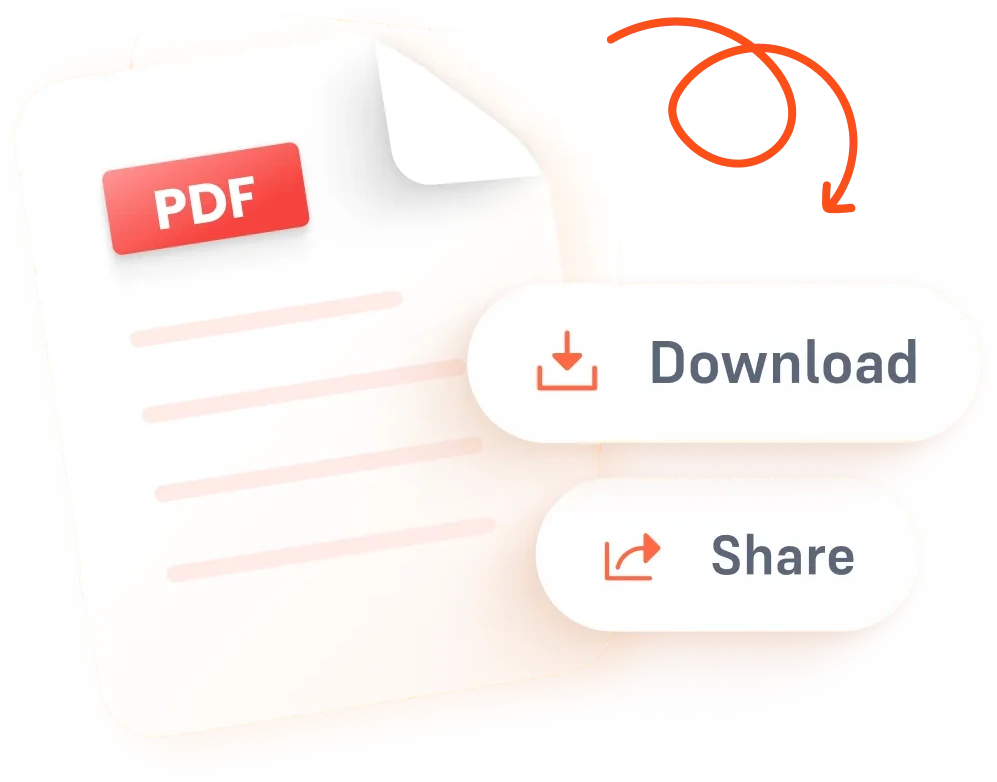
3Odoslať
Kliknite na Odoslať a váš súbor bude odoslaný.
What sets us apart
Fewer steps, fewer apps, and more time for everything else.
All your PDF tools, side by side
One file, every tool, zero tab-hopping. Edit, convert, sign, and compress in the same workspace.
Any screen, any time
No software downloads, no setup. If your device has a browser, PDFEve runs on it.
- Access your files on any device
- Switch screens without switching tools
- Skip installations and updates
Recenzie sú tu
Pozrite sa, ako PDFEve zapadá do každodennej práce.
Klienti mi posielajú súbory PDF, ktoré nemôžem upravovať, a aby som ich mohol preložiť, potrebujem ich vo Worde. Prevediem ich do Wordu, preložím ich a potom ich prevediem späť. Stalo sa to súčasťou mojej každodennej rutiny.
Predĺženia nájomných zmlúv, poznámky z kontrol, faktúry za opravy. Musím sa vysporiadať s množstvom dokumentov týkajúcich sa dvanástich budov. To, že mám všetko na jednom mieste, mi výrazne skrátilo čas, ktorý cez víkendy venujem doháňaniu práce.
Everything you might be wondering about
Answers to the questions we hear most about PDFEve.
PDFEve is a browser-based PDF editor that brings editing, converting, signing, merging, and compressing together in one place. Upload a file, pick a tool, and get on with your day.
You can use PDFEve on any device running Windows, macOS, Linux, iOS, or Android, whether it’s a computer, tablet, or phone.
PDFEve includes more than 50 tools for editing text, adding images, and converting Word, Excel, PowerPoint, and JPG files. You can also combine and reorder pages, shrink file sizes, sign documents, and turn scans into editable text.
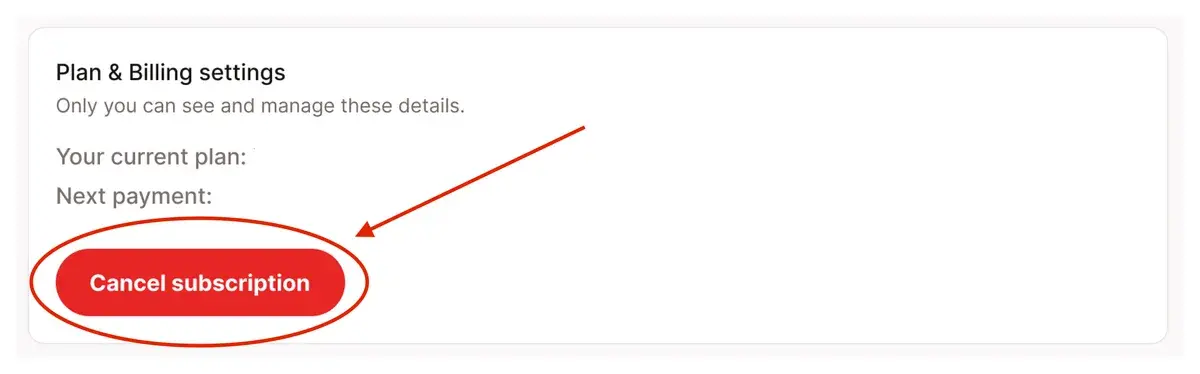
Go to the Membership tab in your account and click Cancel subscription. In case any questions arise, our support team can help at support@pdfeve.com or +1 (833) 696-3753.Nothing at all. PDFEve runs entirely in your browser, so there’s no software to download and no updates to keep track of.
Ready to send it?
Email your PDF straight from this page.
Nahrajte svoj súbor a začnite