Leverancierscontracten lagen vroeger dagenlang in mijn inbox omdat ik nooit een printer in de buurt had. Nu onderteken ik ze op mijn tablet op locatie en ga ik verder. Mijn assistent is dolblij.
Tekst scannen en extraheren uit PDF's
Zet PDF's die alleen afbeeldingen bevatten om in tekst die u kunt aanpassen.
$10 per 4 weken. Er zijn andere abonnementen beschikbaar. Bekijk abonnementen en prijzen.
Uw bestanden blijven privé en worden veilig opgeslagen en verwerkt op onze servers. Abonneer u om te downloaden. Er worden periodiek kosten in rekening gebracht. U kunt op elk moment opzeggen. Door deze service te gebruiken, gaat u akkoord met onze servicevoorwaarden en ons abonnementsbeleid en erkent u ons privacybeleid en cookiebeleid.
Whatever the task, there’s a tool for it
50+ ways to work on your PDF. Find the tool you need and get started without installing anything.
Convert files
PDF to WordTurn any PDF into a Word doc you can edit line by line.
PDF to JPGTurn your PDF pages into a set of JPG images.
PDF to ExcelGet your PDF data into Excel cells you can work with.
PDF to PPTRebuild a PDF as a slide deck you’re ready to present.
Word to PDFTurn the doc you’re done editing into a PDF anyone can open.
JPG to PDFCombine your JPGs into one PDF, in the order you choose.
Excel to PDFTurn your sheet into a PDF that keeps every number in place.
PPT to PDFSave your slides as one PDF that opens on any device.
Optimize & organize
Edit & sign
Scan uw PDF in 3 stappen op tekst
Voer één scan uit en de tekst is klaar om te bewerken.
1Lokaal bestand
Kies de op afbeeldingen gebaseerde PDF.
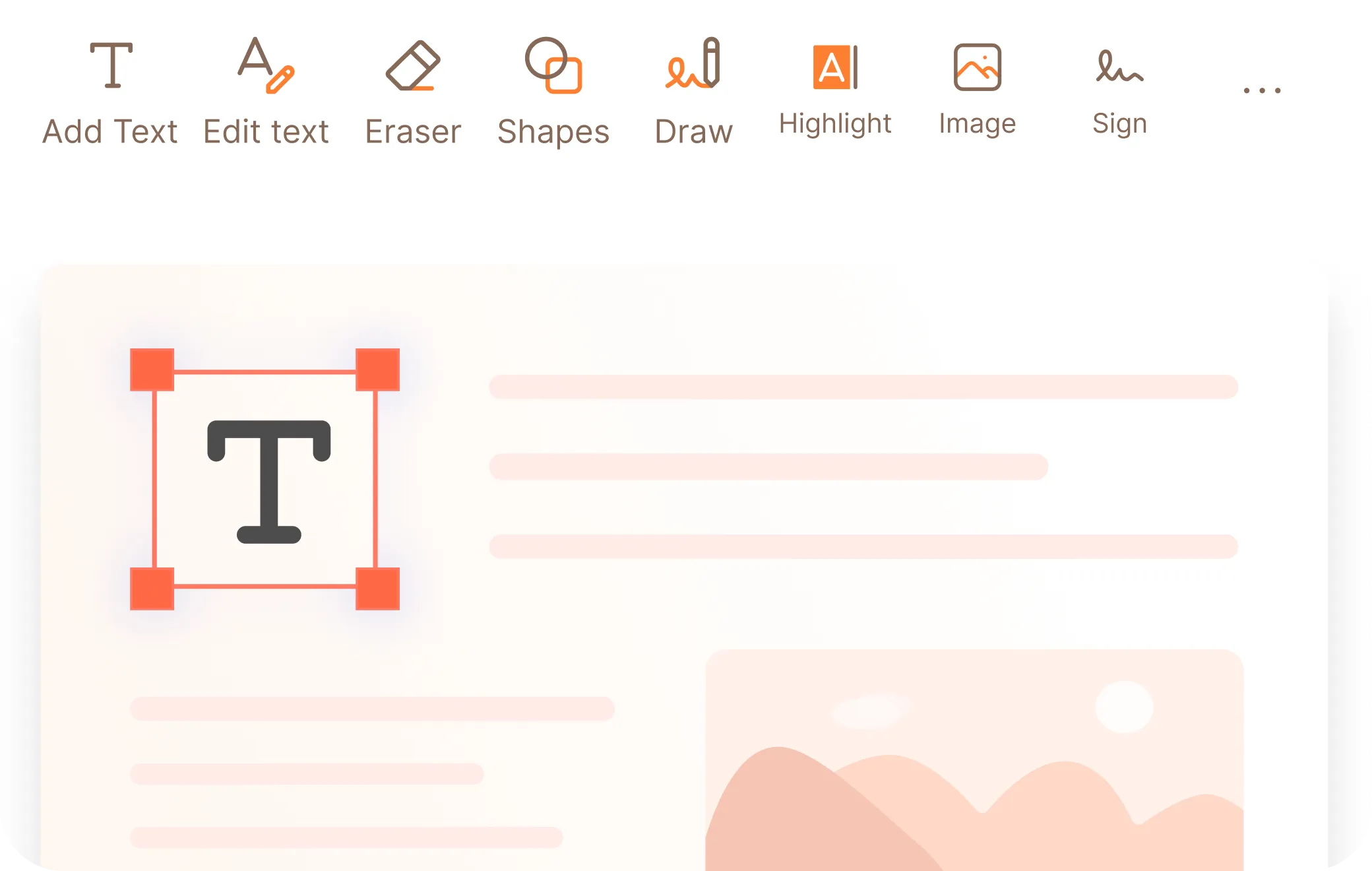
2Scannen en extraheren
Voer OCR uit op elke pagina.
3Download bestand
Sla de bewerkbare versie op uw apparaat op.
What sets us apart
Fewer steps, fewer apps, and more time for everything else.
All your PDF tools, side by side
One file, every tool, zero tab-hopping. Edit, convert, sign, and compress in the same workspace.
Any screen, any time
No software downloads, no setup. If your device has a browser, PDFEve runs on it.
- Access your files on any device
- Switch screens without switching tools
- Skip installations and updates
De beoordelingen zijn binnen
Bekijk hoe PDFEve in uw dagelijkse werk past.
Klanten sturen me pdf's die ik niet kan bewerken en ik heb ze in Word nodig om ze te vertalen. Ik zet ze om, doe mijn werk en zet ze daarna weer terug om. Het is onderdeel van mijn dagelijkse routine geworden.
Verlengingen van huurcontracten, inspectienotities, reparatiefacturen. Ik moet veel papierwerk voor twaalf panden regelen. Doordat alles op één plek staat, ben ik in het weekend veel minder tijd kwijt aan achterstallig werk.
Everything you might be wondering about
Answers to the questions we hear most about PDFEve.
PDFEve is a browser-based PDF editor that brings editing, converting, signing, merging, and compressing together in one place. Upload a file, pick a tool, and get on with your day.
You can use PDFEve on any device running Windows, macOS, Linux, iOS, or Android, whether it’s a computer, tablet, or phone.
PDFEve includes more than 50 tools for editing text, adding images, and converting Word, Excel, PowerPoint, and JPG files. You can also combine and reorder pages, shrink file sizes, sign documents, and turn scans into editable text.
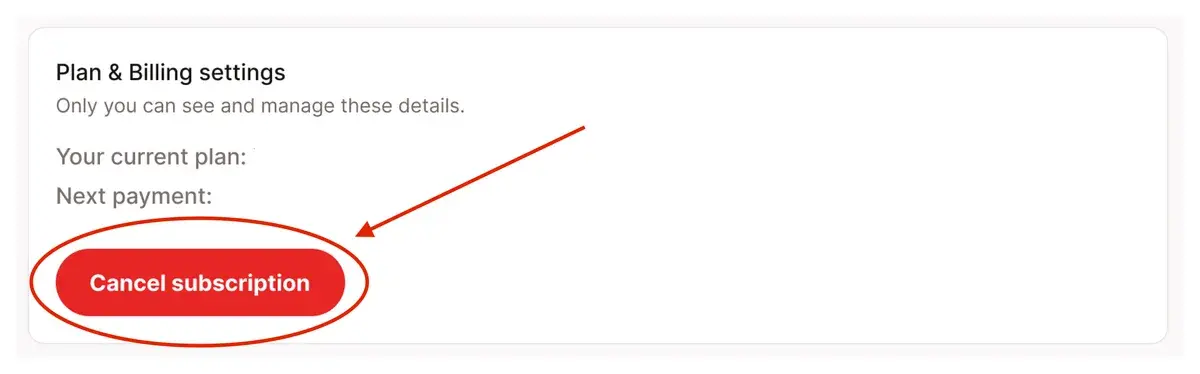
Go to the Membership tab in your account and click Cancel subscription. In case any questions arise, our support team can help at support@pdfeve.com or +1 (833) 696-3753.Nothing at all. PDFEve runs entirely in your browser, so there’s no software to download and no updates to keep track of.
Need to edit a scanned PDF?
Scan it for text and start editing.
Upload uw bestand om aan de slag te gaan